I have a serious problem with getting my tanks into a read-to-be-textured state, since I get some kinda bug. I am attaching imaages (look at the frontal armor)
I had no problems with my 1st model, + this one stays green when untextured (even after 12313 imports and exports), while the other models are always white when untextured, any1 knows what causes that? can this be the source of the problem?
EDIT
I found 1 thing:
The polygons are split in the mapped model, there are 174 vertices in the unmapped, and over 280 in the mapped version, without change in polycount.
why is that happening ?
EDIT 2
I also found that all of the models are split in places where the smoothing groups are meant to end (i.e. at the edges of smoothing groups). but why is that dividing them even further after mapping the model?
and why does the model has green color instead of white after export?
EDIT 3
I found another bug with texturing,
W3D files usually 'remember' their UV maps, and stack them inside the Editable Mesh once exported, my models never remember their, once exported and imported back again, the texture applied does not appear correctly, and I have to use the uvw template (I made a few luckily, so I won't have to re-make the whole of the texture....) in order to get it 'running' (meaning I have to add the 'Unwrap UVW' modifier)
or did I just forget about something ?;/
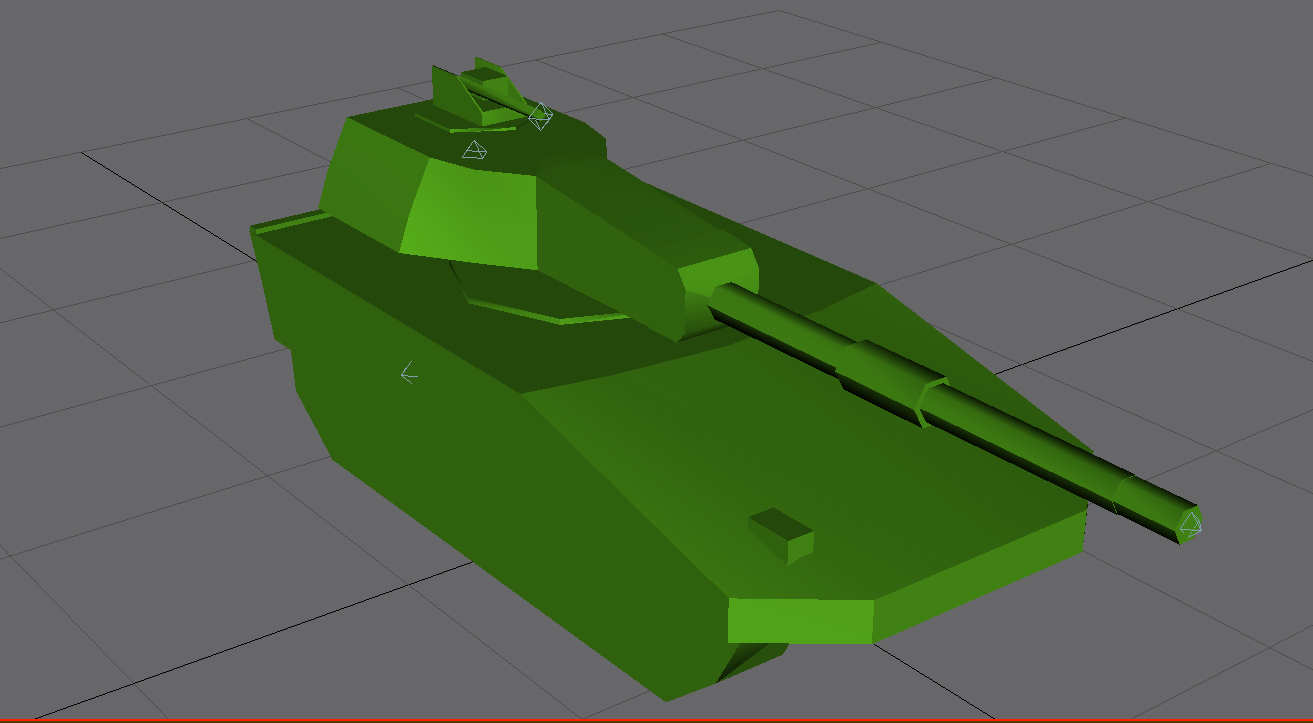
Click to View Image14 View(s)
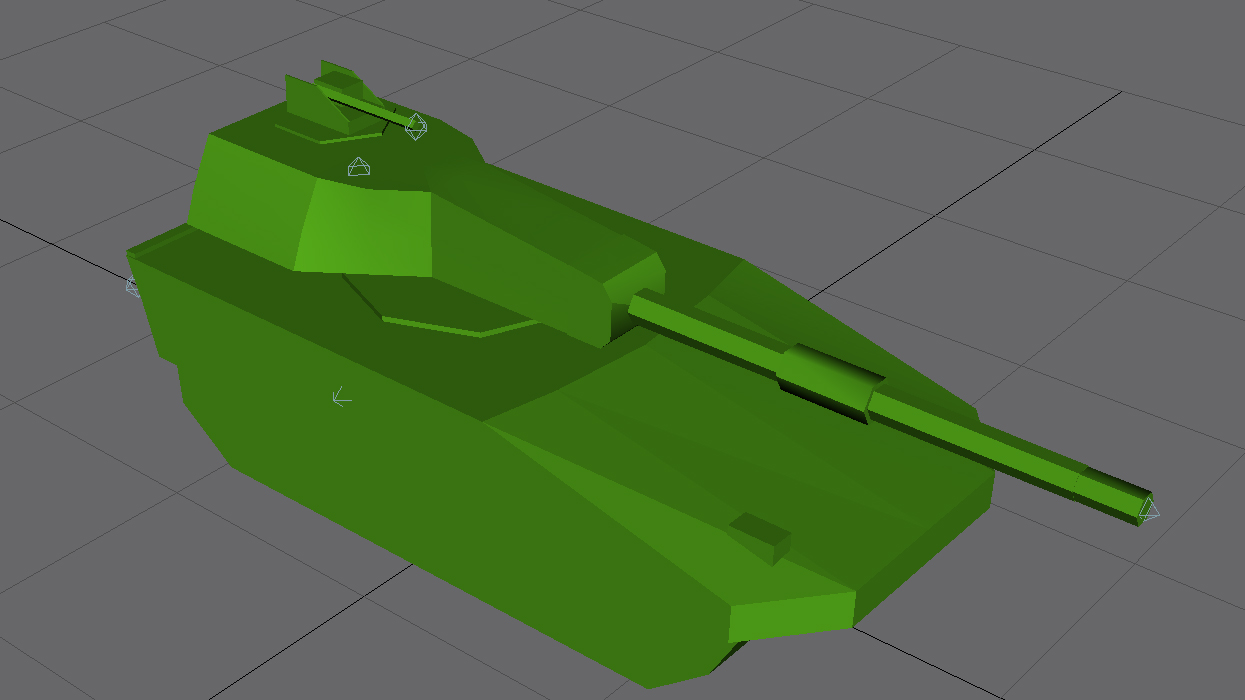
Click to View Image15 View(s)
Edited by user
14 years ago |
Reason: Not specified